
Translate PDF Arabic to English Online
Translate PDF documents from Arabic to English quickly and accurately with our AI PDF translator.
Start your free, secure, and instant Arabic-to-English PDF translations.
 Translate PDFs from Arabic to English
and 30+ languages
 AI-based translation ensures
 speed and accuracy
 Safeguard your file
 security and privacy
How to Translate Arabic PDF to English Online:
Follow these easy steps to convert Arabic PDF documents into English:
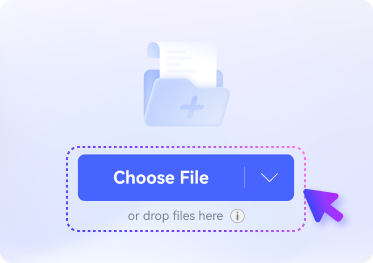
Upload your Arabic PDF to our online AI PDF translator.
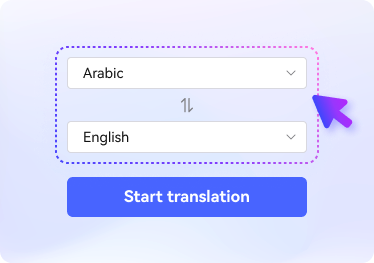
Select "English" as your target language.
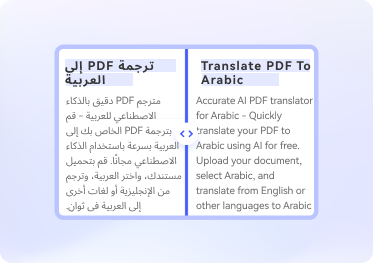
Click "Translate" to instantly start the Arabic to English PDF translation.
FAQs About Arabic to English Document Translation
-
What is the best free Arabic PDF to English translator?
Google Translate is a widely used tool for translating an Arabic PDF into English. Upload your Arabic PDF file under the "Documents" tab, select "English" as the target language, and download the translated file. Other recommended online translators include Reverso Document Translator, HiPDF's AI PDF Translator, and DocTranslator. These tools are user-friendly and effective for PDF translations.
-
Can I translate a Word document from Arabic to English?
Yes, you can easily translate a Word document from Arabic to English using online document translators like Google Translate, Reverso Document Translator, or Sider AI. These platforms simplify the process: upload your Word file, select the languages, and process the translation seamlessly.
-
How do I translate a scanned PDF from Arabic to English?
Most PDF translators don't directly support scanned PDFs. However, you can first convert the scanned PDF into an editable format using OCR (Optical Character Recognition) tools. Desktop applications like Adobe Acrobat or PDFelement and online tools like SmallPDF or HiPDF can help. Once the document is converted into text, use a PDF translator to complete the Arabic-to-English translation.
-
Can Google Translate translate Arabic PDF files to English?
Yes, Google Translate supports Arabic-to-English PDF translation. Use its "Documents" feature to upload your file. Select Arabic as the source language and English as the target language, and the translation will be generated instantly.
-
Can I translate an Arabic image file to English?
Yes, translating an Arabic image file to English is possible. Google Translate allows direct image translation using its app. Additionally, AI-powered tools like ChatGPT 4o can recognize text in images and translate it instantly. Upload the image, extract the text using OCR, and translate it to English.
More than AI PDF Translator
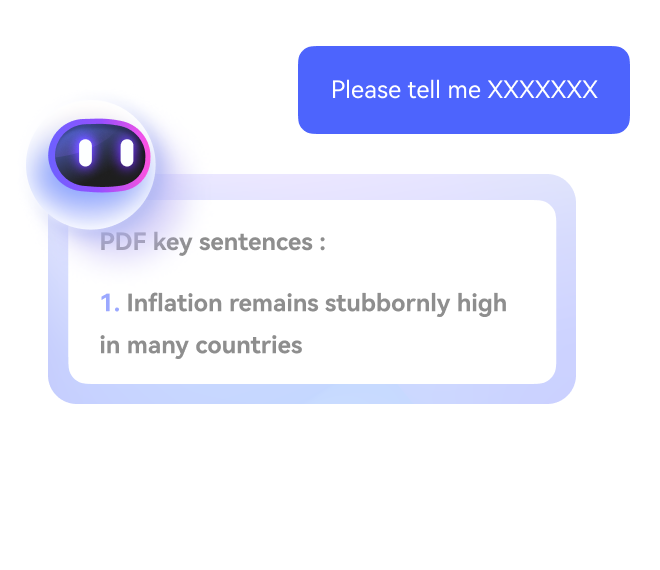
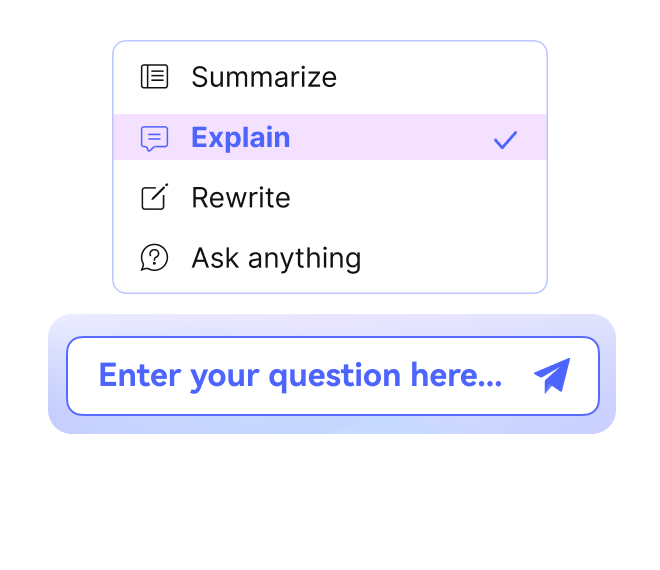
Supercharge your PDF processing with AI
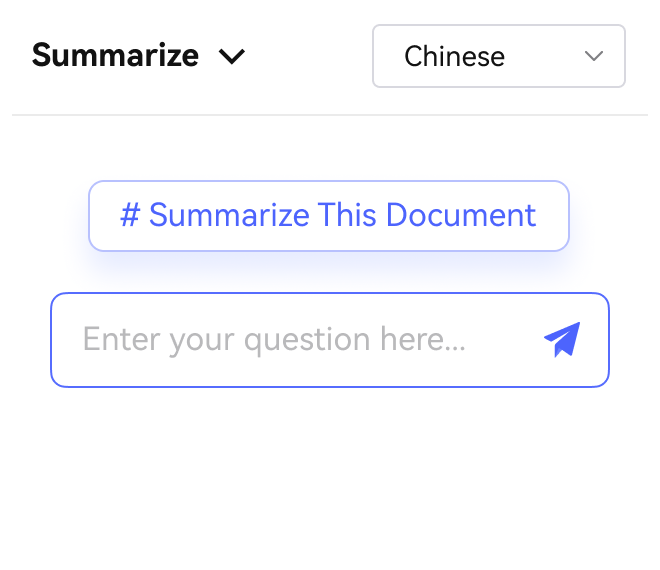


Free online PDF tools for all purposes

HiPDF Online Tools quality rating:

4.8
(188,357 Votes)You have to upload and download at least 1 file to rate! We've already perfectly processed 307,292,373 files with a total size of 10,124 TB