Compress PDF to 5MB Online for Free
Need to meet a strict file limit? Compress PDF to 5MB with exact size control and stable results. HiPDF works as a PDF compressor to 5 mb and a practical PDF resizer 5mb—perfect for upload forms, email attachments, and portals that reject larger files.
 Free Online PDF Compression
 With No Sign-Up
 Flexible Options to Shrink PDFs
to 5 MB or Any Size
 Compress PDFs Fast
 Without Quality Loss
How to Compress PDF to 5MB Online for free?
Compress PDFs online for free with adjustable compression levels or a precise 5MB target—ideal for upload limits, email sending, and lightweight sharing.
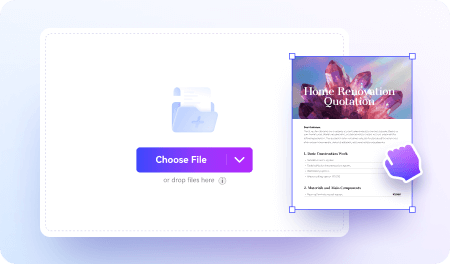
Upload your PDF files to the online PDF compressor.
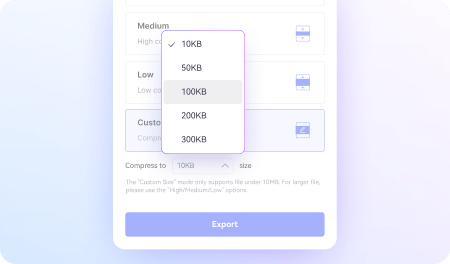
Set your target size as 5 MB to start the compression.
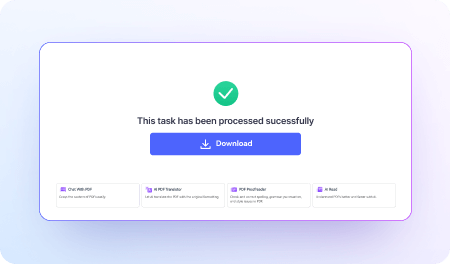
Click Compress to get your reduced PDF instantly.
FAQs about Compressing PDFs to 5MB Online for Free.
-
How can I compress a PDF to 5MB exactly?
To compress a PDF to 5MB, you need a tool that allows smart size reduction while maintaining readability.
Online compressors like HiPDF PDF Compressor automatically optimize images, fonts, and embedded elements to reduce file size. Simply upload your file, choose a compression level, and download the optimized version.
If the file is still above 5MB, try a stronger compression setting.
-
Why is my PDF still larger than 5MB after compression?
Some PDFs contain high-resolution images, scanned pages, or embedded fonts that make size reduction more difficult.
If basic compression doesn’t work, use an advanced compressor like HiPDF, which applies deeper image recompression and removes unnecessary metadata. This usually helps reduce scanned or image-heavy PDFs to under 5MB.
-
Is there a free way to compress a PDF to less than 5MB?
Yes. Several online tools allow you to compress PDF files for free without installing software.
HiPDF PDF Compressor offers a free online option where you can upload your file and reduce it to under 5MB in seconds. It works directly in your browser, making it convenient for quick uploads to email or online forms.
More than PDF Compressor.
Supercharge your PDF processing with AI.
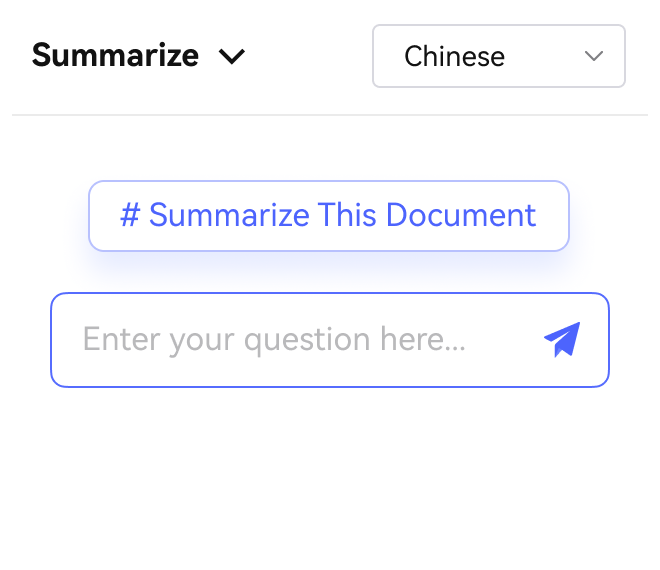
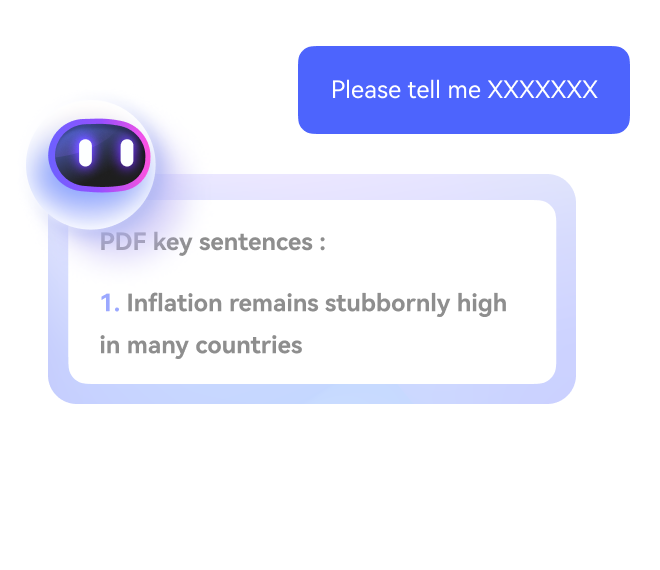
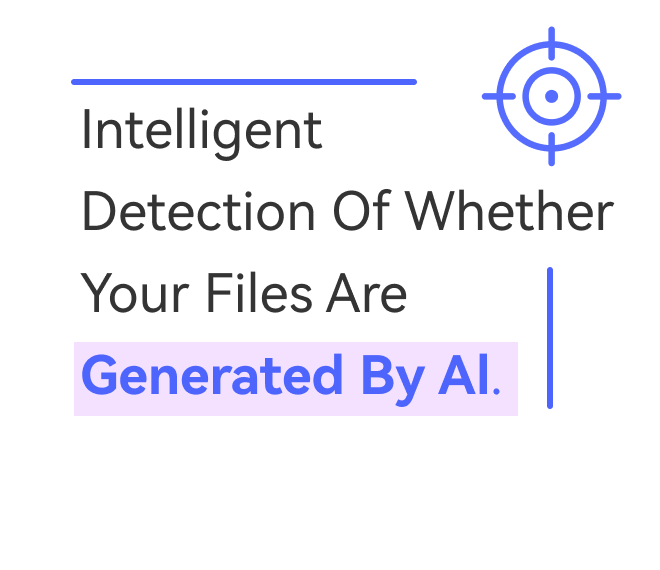
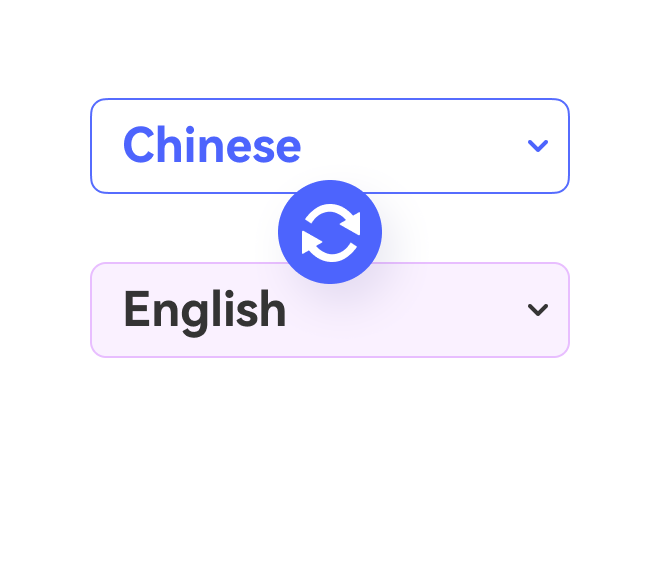

Free online PDF tools for all purposes

HiPDF Online Tools quality rating:

4.8
(188,357 Votes)You have to upload and download at least 1 file to rate! We've already perfectly processed 307,292,373 files with a total size of 10,124 TB
Chloe P.
UX Designer
"Our client portal has a 5MB cap for attachments. I resized a design spec PDF and it uploaded instantly—no layout glitches, and the screenshots were still clear enough to review."
Marcus T.
Office Administrator
"I send forms by email all day, and some systems bounce large PDFs. Compressing to 5MB kept everything readable and saved me from constant back-and-forth."
Priya N.
Graduate Student
"My university site wouldn’t accept files above 5MB. I compressed my transcript PDF in one try and it went through right away. Huge relief before the deadline."