Convert PDF to Bitmap Images Instantly
Quick and Secure PDF to BMP Conversion
Change PDF to BMP in High Quality
Your file security and privacy are guaranteed.
How to Convert PDF to BMP Online for Free?
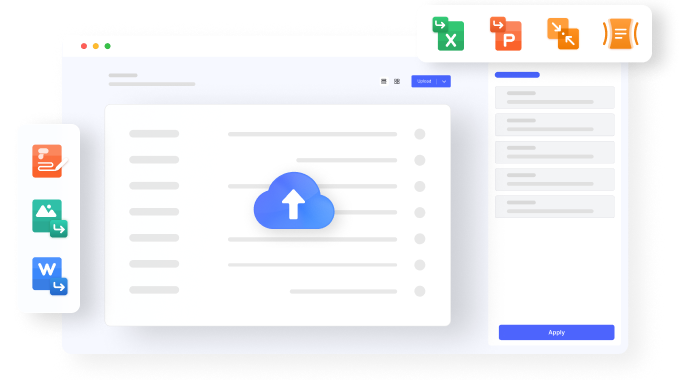
Step 01. Upload your PDF file
Step 02. Choose BMP as the output format
Step 03. Start the PDF to BMP conversion
Free Online PDF to BMP Converter for Everyone
Efficiently Convert PDF to BMP Files
Secure PDF Uploads and Reliable BMP Downloads
Convert PDF to Bitmap on Any Device
FAQs about Converting PDF to BMP
BMP, or Bitmap Image File, is a raster graphics image file format. It's known for its lossless compression and is commonly used for images requiring high quality and no data loss.
Yes. There are many recommended online tools to convert PNG to BMP quickly, such as HiPDF's Image Converter, which supports converting images between PNG, JPG, BMP, and more. You can efficiently utilize this tool to change your PNG file to BMP, upload your PNG file, and follow its instructions to get a BMP file.
Certainly! Several reliable platforms are available for converting PDF to BMP online for free. Here are some notable options:
1. HiPDF: HiPDF offers a simple and user-friendly interface for converting PDF files to BMP format, providing quick and efficient conversions without cost.
2. PDF Candy: PDF Candy is a versatile platform that supports various PDF-related tasks, including PDF to BMP conversion. It's an easy-to-use tool that ensures a seamless conversion process.
3. PDF to Image: This platform converts PDF files to various image formats, including BMP. It's known for its efficiency and requires no downloads or installations.
Using any of these platforms, you can easily and securely convert your PDF files to BMP images without any cost.
For offline conversion, you can use specialized software like Adobe Acrobat, PDFelement, or other PDF editing tools that support the conversion to BMP format.
Most online PDF to BMP tools have restrictions on the maximum file size they can process. If you have a large PDF file or need to convert multiple PDF files to BMP at once, it is highly recommended to use desktop software such as PDFelement or Adobe Acrobat. They offer robust capabilities and can seamlessly handle large PDF files or batch PDF to Bitmap conversions.
More tips for converting PDF to BMP