
Free Online PDF Resizer
Instant Accessibility
Batch Resize PDF Documents
Your file security and privacy are guaranteed.
How to resize PDF online?
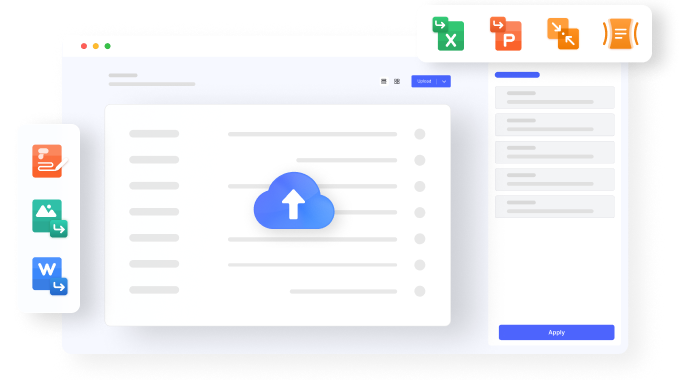
Step 01. Upload PDF for Resizing
Step 02. Choose Resizing Settings
Step 03. Download Resized PDF
Free online PDF size editor for everyone.
Legal Professionals
Students and Educators
Graphic Designers
FAQs about resizing PDF online.
Effortlessly reduce the file size of your PDF using HiPDF's Resize PDF page. This online tool lets you change the size of PDF files, ensuring optimal size without compromising quality.
Resize your PDFs for free with HiPDF's user-friendly Resize PDF page. Easily compress and change PDF size online without any cost, saving you time and resources.
HiPDF's Resize PDF page empowers you to resize PDFs to specific levels, including resizing to less than 5MB. Customize the compression level according to your requirements with this free online solution.
Resize PDFs seamlessly without the need for Adobe software. HiPDF's Resize PDF page provides a free and accessible solution to change PDF size online, ensuring a hassle-free experience.
For an offline PDF size reduction, consider using PDFelement—a versatile tool allowing you to change PDF size offline without compromising quality. Download PDFelement and resize your PDFs at your convenience for free.
More tips for changing PDF size.